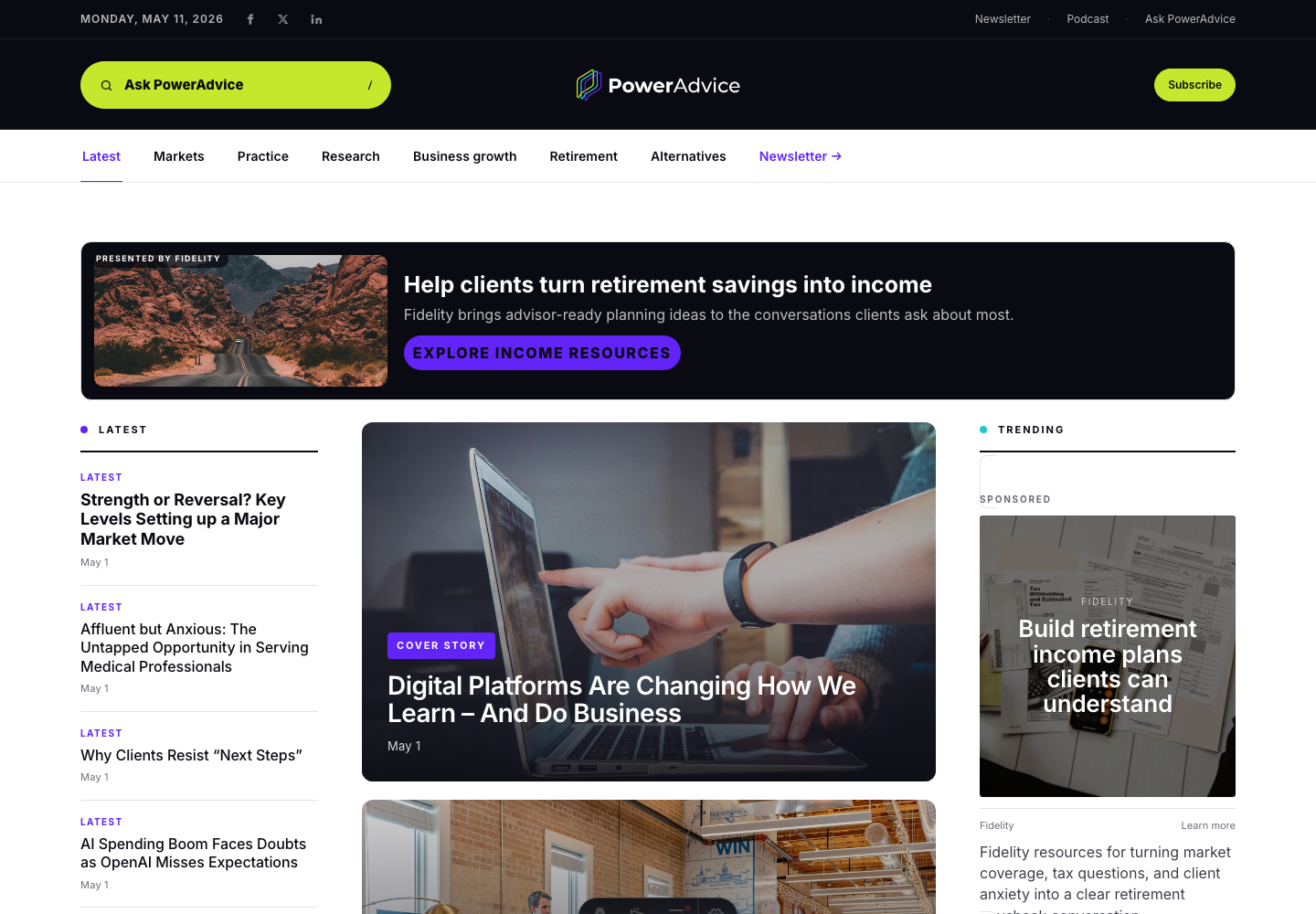
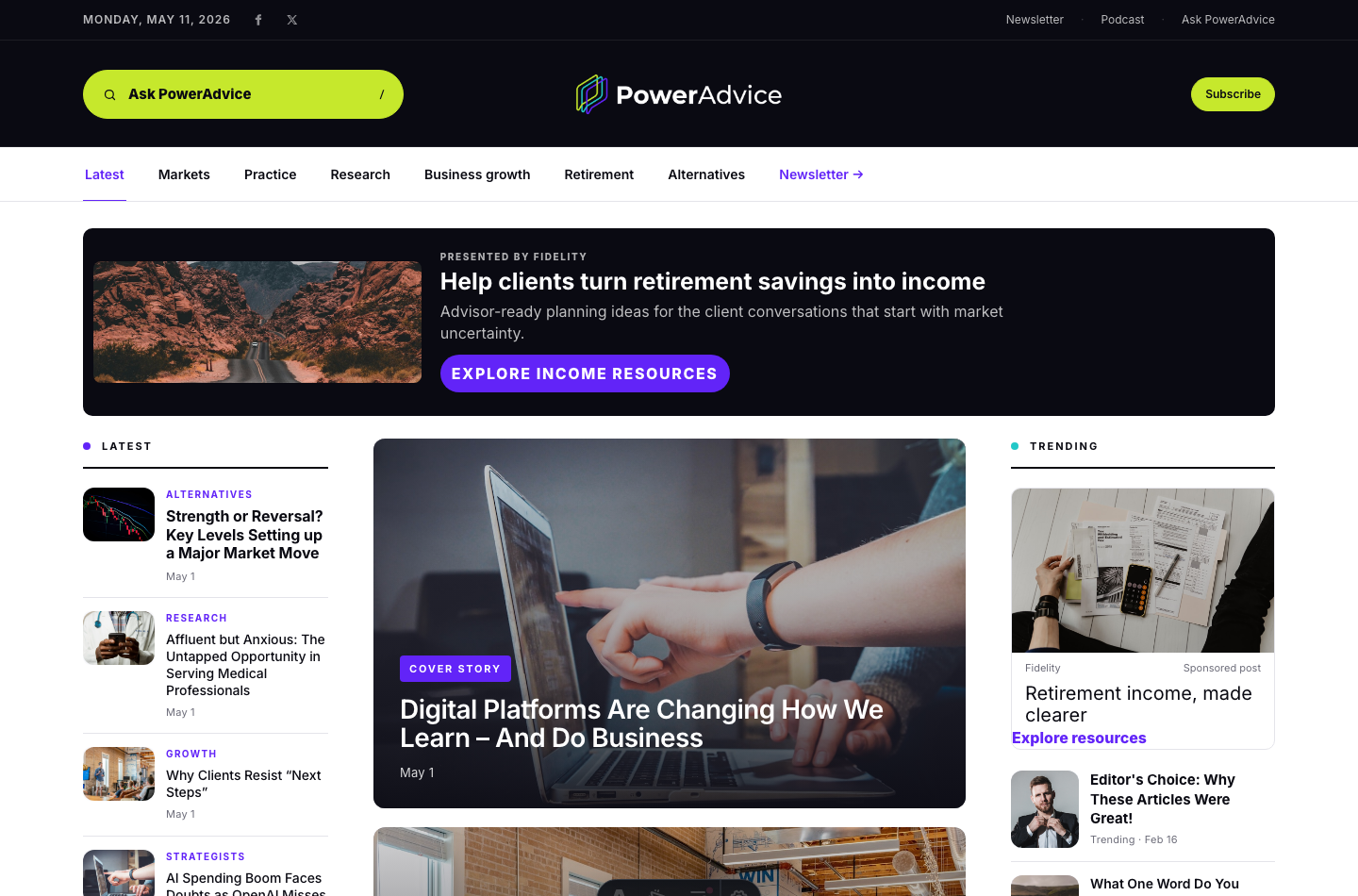
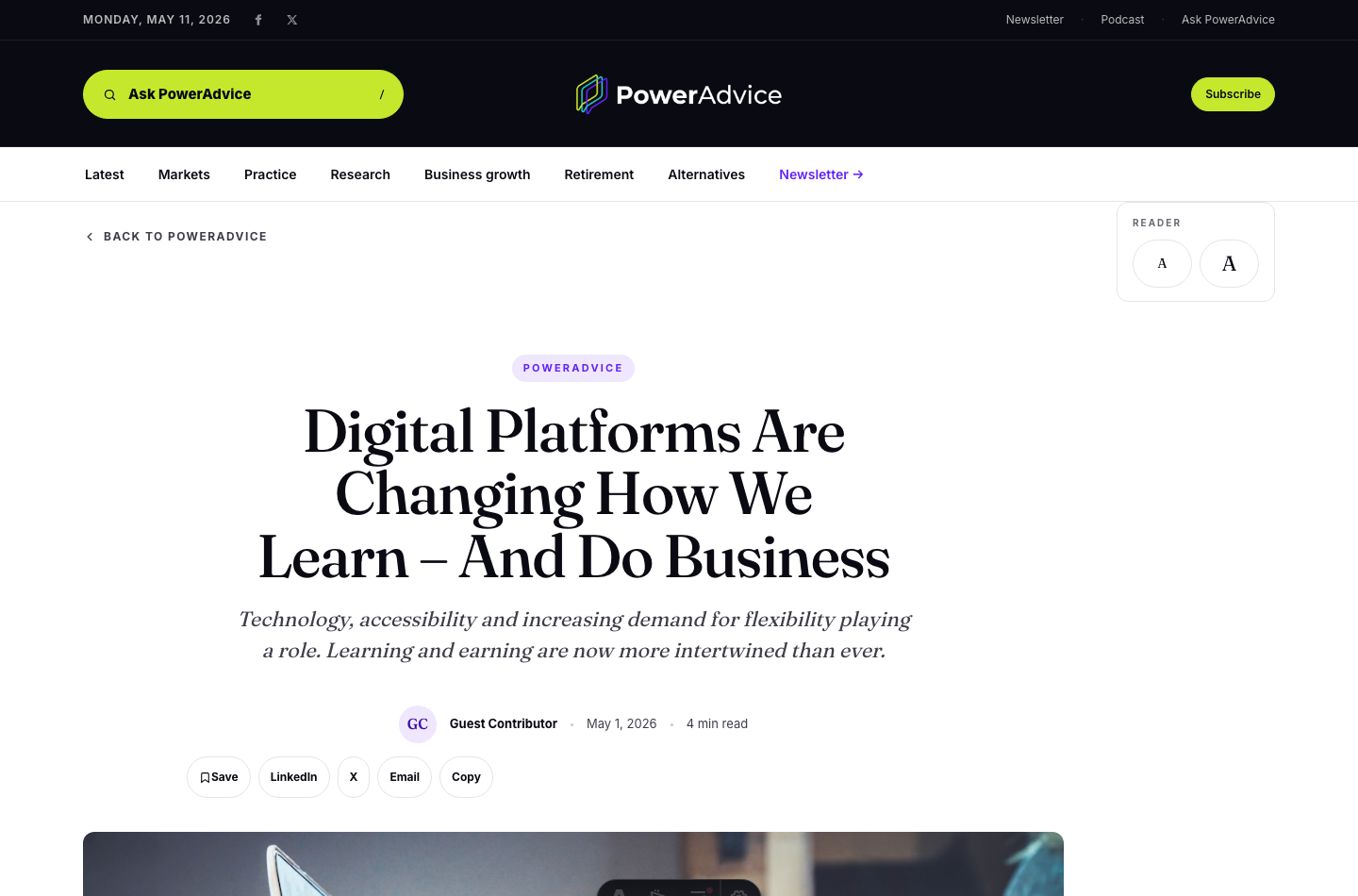
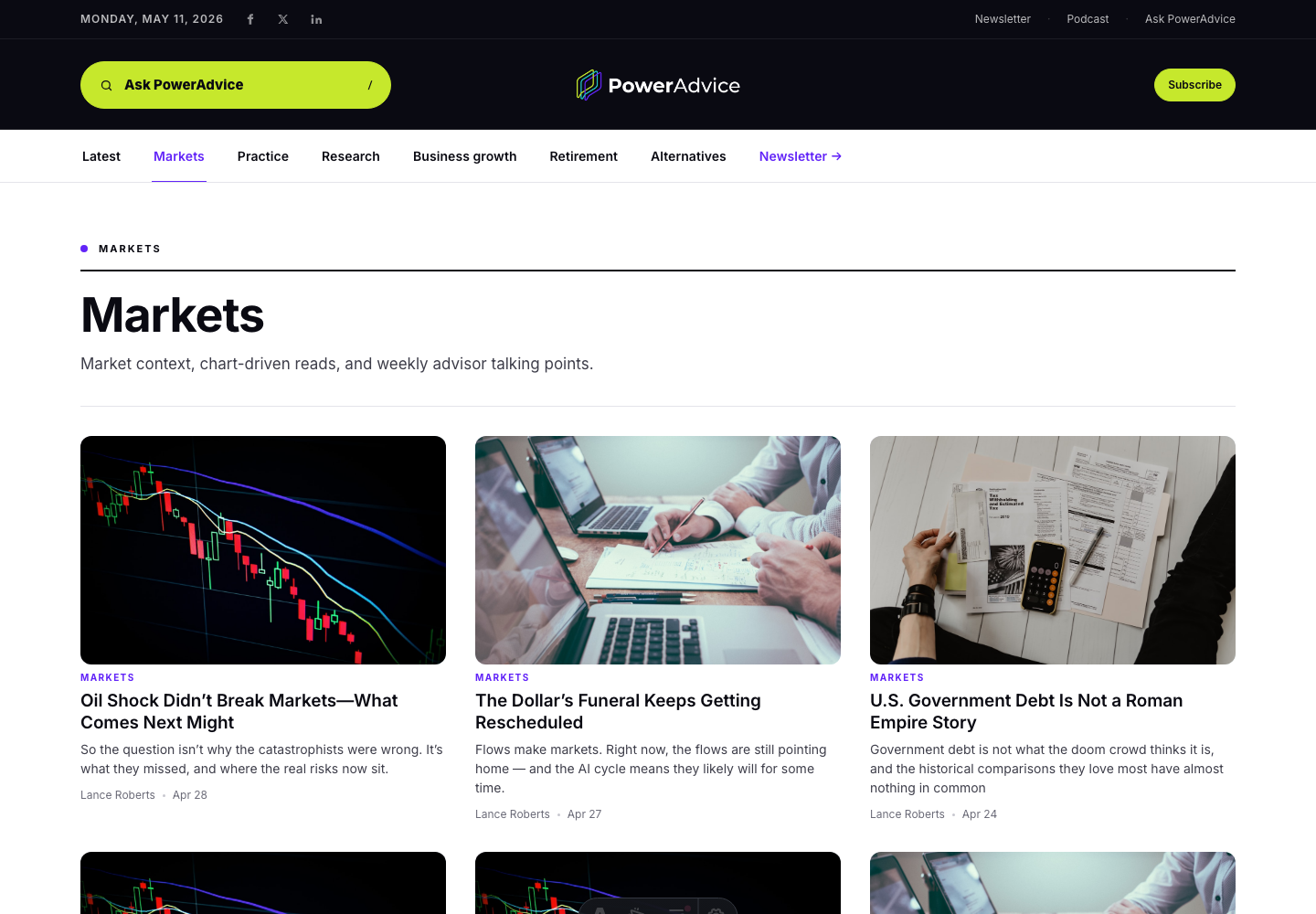
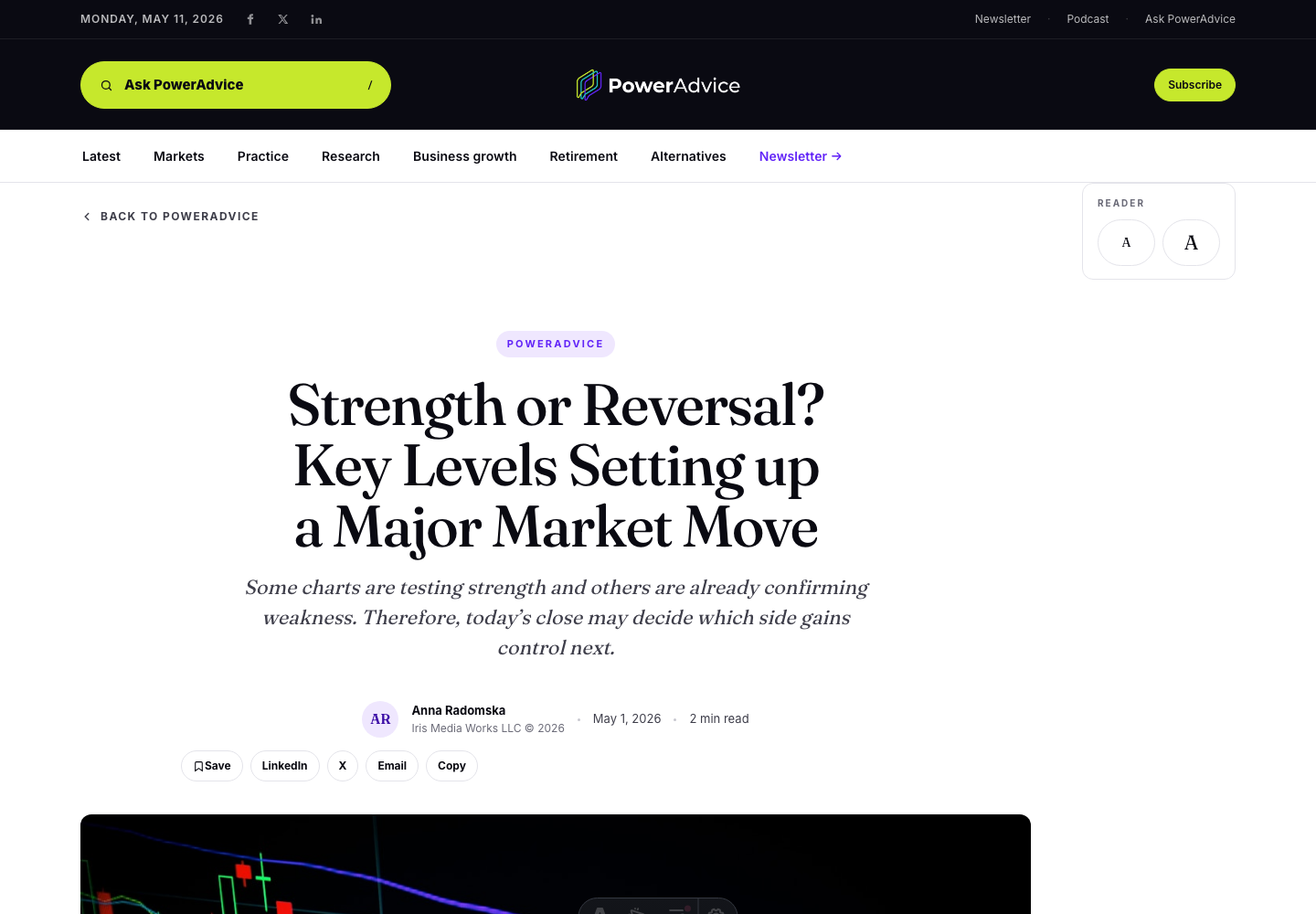
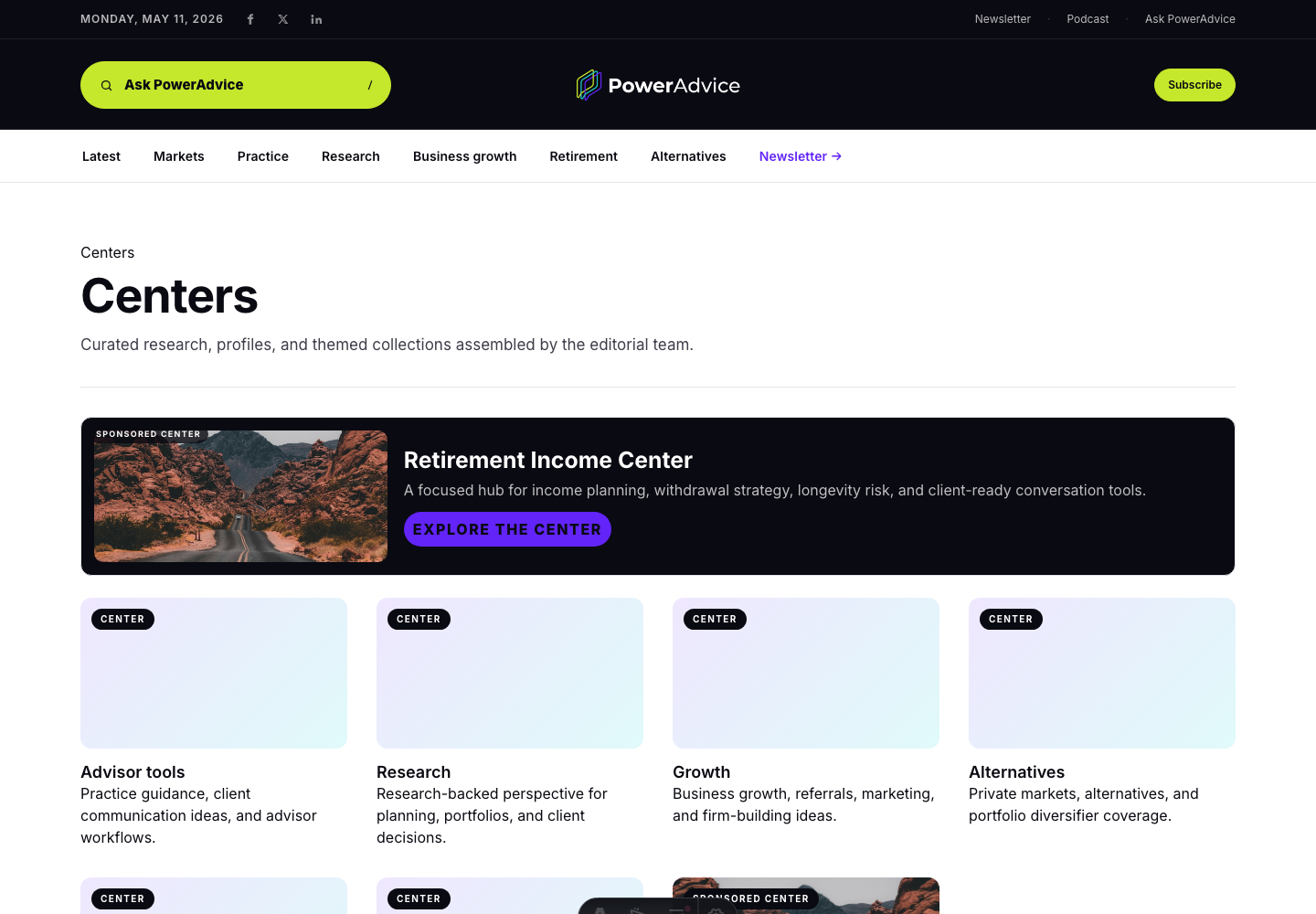
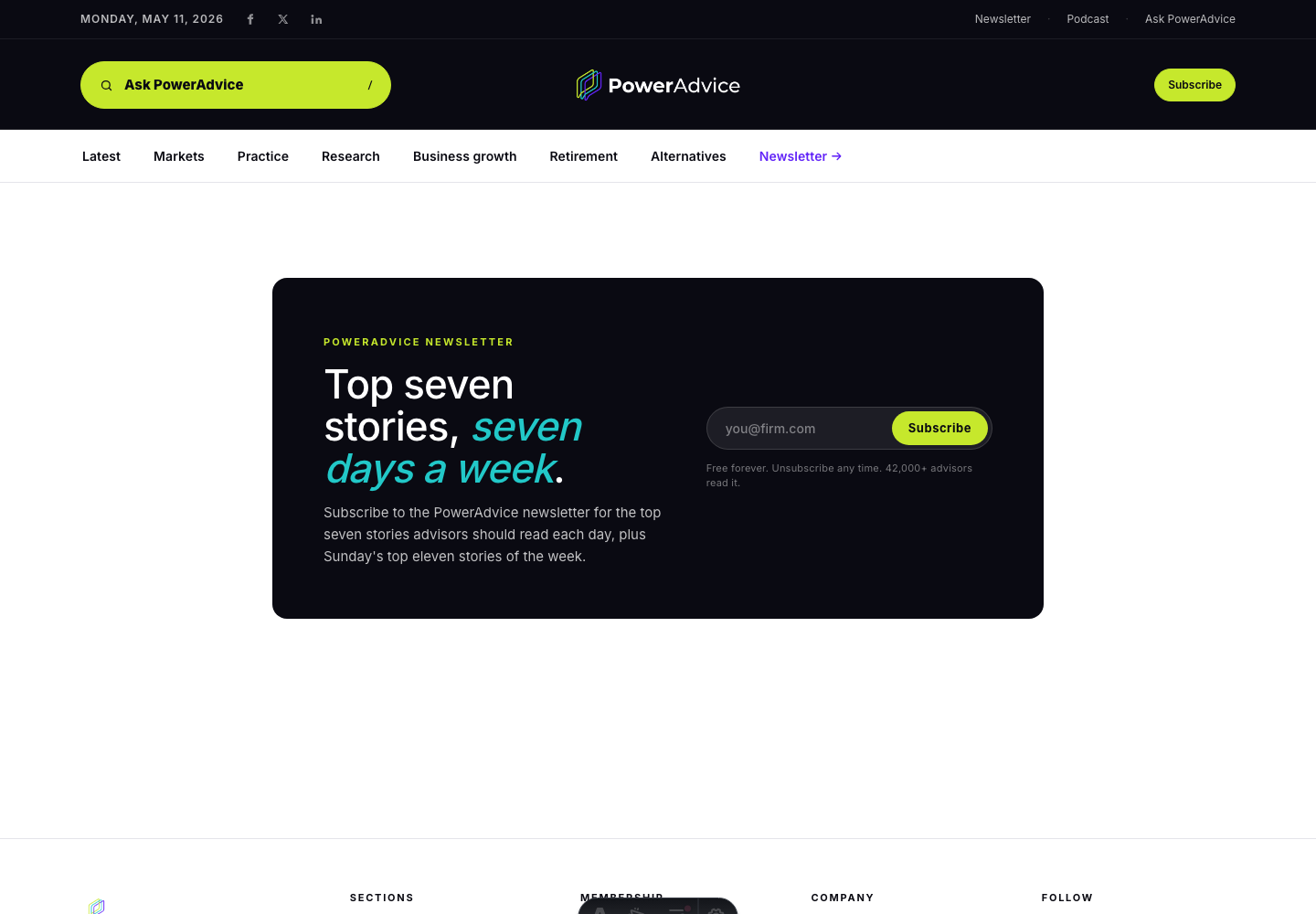
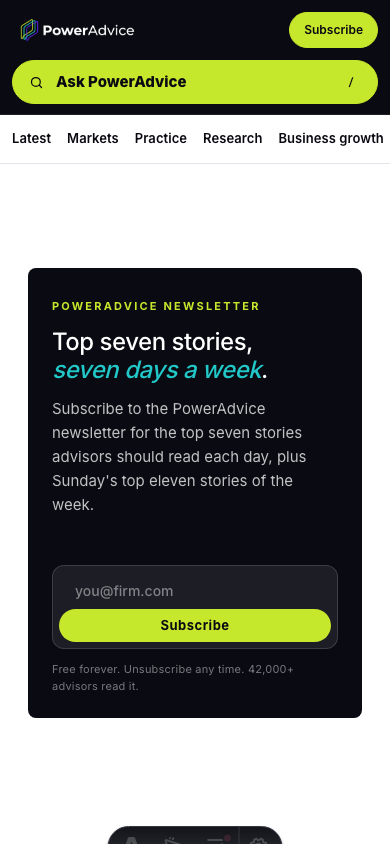
The homepage moves away from numbered source lists and leans harder into image-led editorial hierarchy, Centers, sellable sponsor inventory, and a daily newsletter callout.
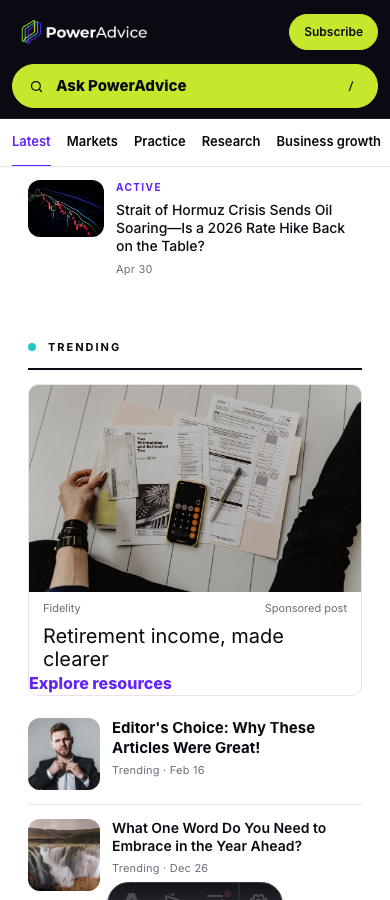
Visual weightTrending stories use thumbnails instead of a numbered treatment.
Brand chromeThe logo is no longer boxed, the sections menu is gone, and Ask PowerAdvice gets the left-side space.
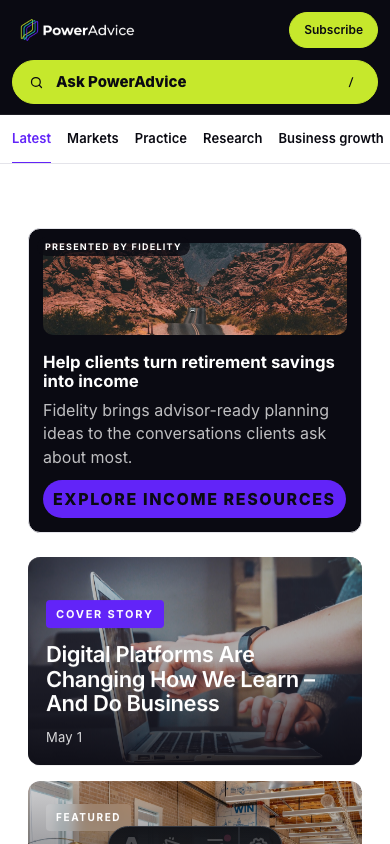
Sponsor inventoryLeaderboard, native, mobile, article, Center, podcast, and sponsored post placements carry polished Fidelity creative.
Sponsored articles/posts and sponsored Centers are presented as a polished Fidelity native sponsor package, so the team can react to inventory that looks ready to sell.
Sponsored postA visual Fidelity card appears in the trending rail without crowding the editorial lead story.
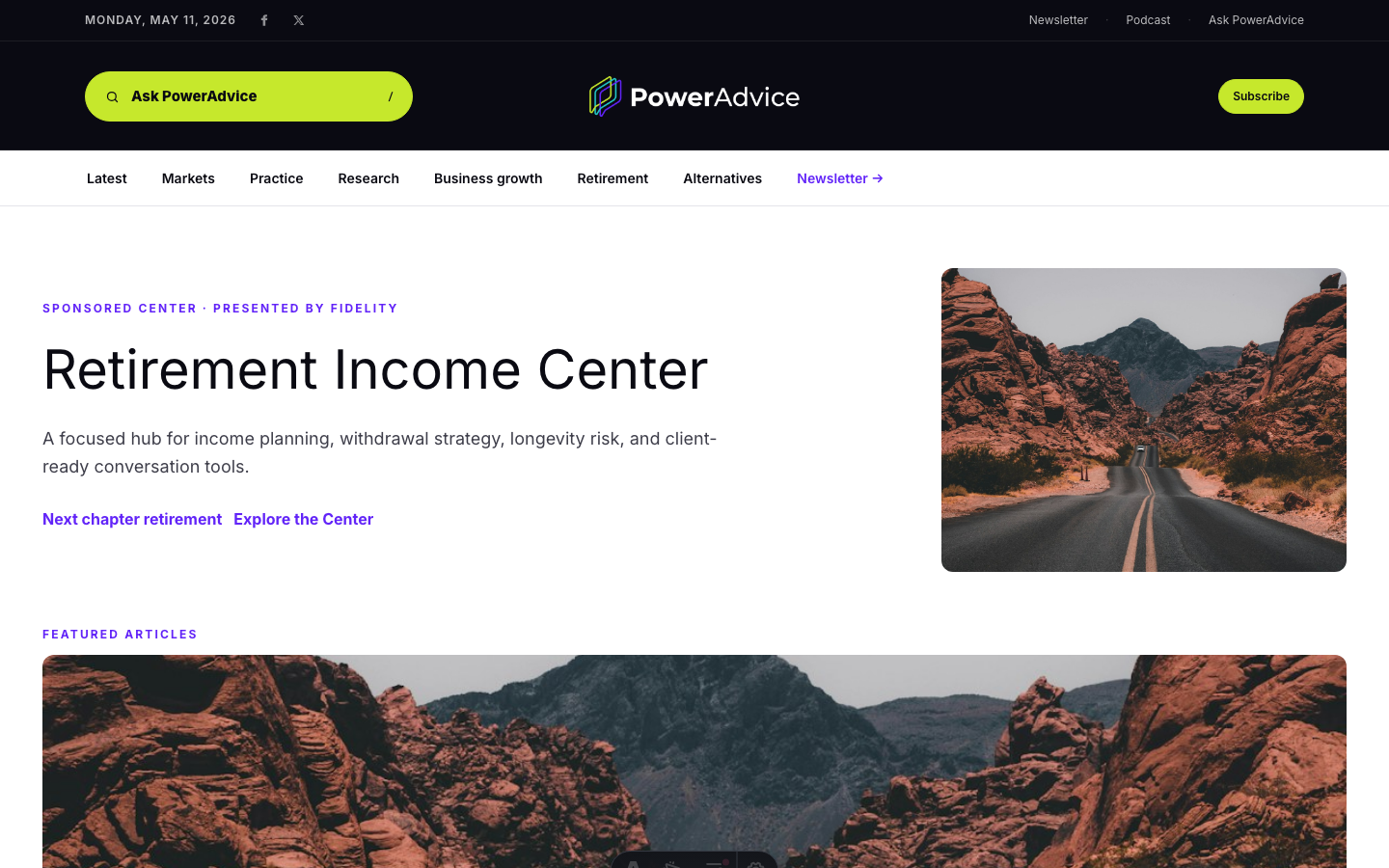
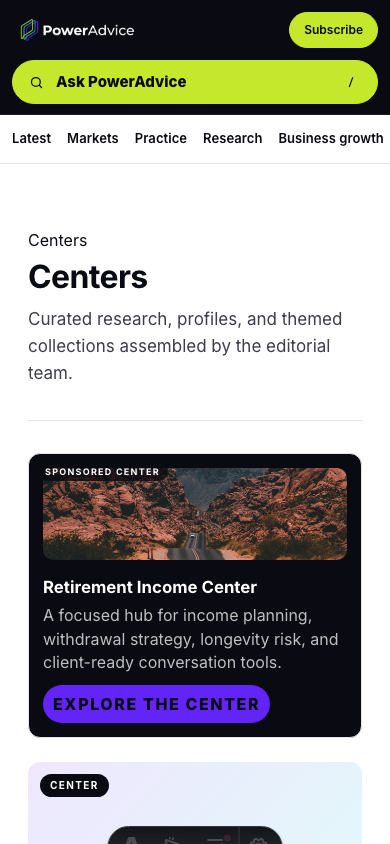
Sponsored CenterThe Retirement Income Center shows how a sponsor can own a themed stack of articles and tools.
Ad slotsTop leaderboard, 300x250, article native, podcast sponsor, and mobile sticky examples now carry real copy and imagery.
Complete sponsor placement inventory
Use this full-width carousel to talk through every sponsor placement currently represented in the product: homepage inventory, channel pages, native posts, article pages, sponsored Centers, podcasts, and mobile units.
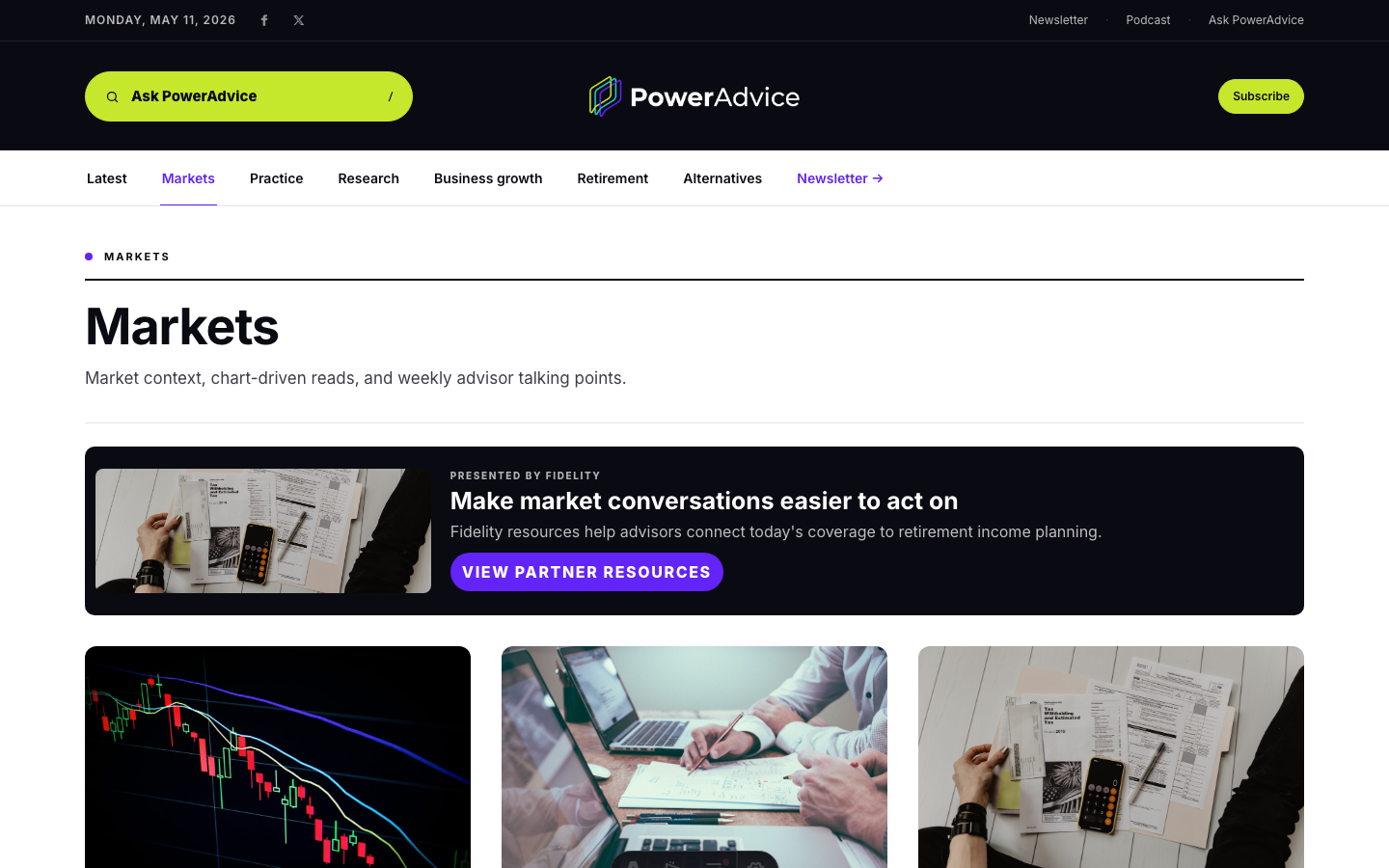
Markets, Practice, Research, Retirement, and Alternatives pages can carry a top sponsor unit when the topic fit is useful.
channel-top
Sponsored Center destination
The Fidelity Retirement Income Center is the owned destination, so it does not need a redundant ad sitting on top of its own sponsor story.
sponsored-center
Article and sponsored post context
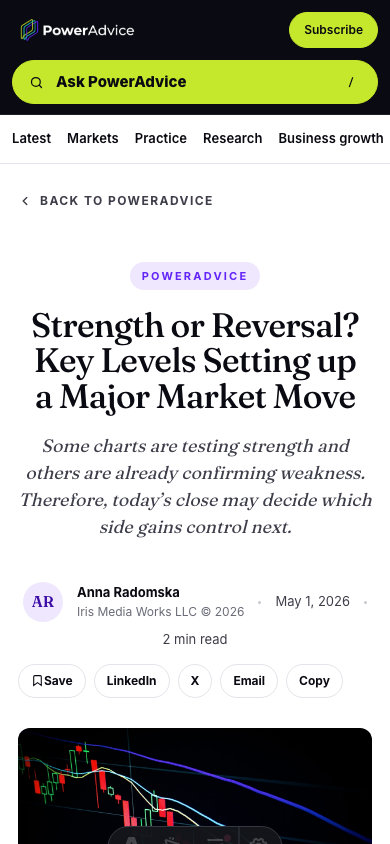
Article pages preserve the reader experience while giving native sponsored content a place to appear in deeper reading moments.
sponsored-article
Podcast sponsor unit
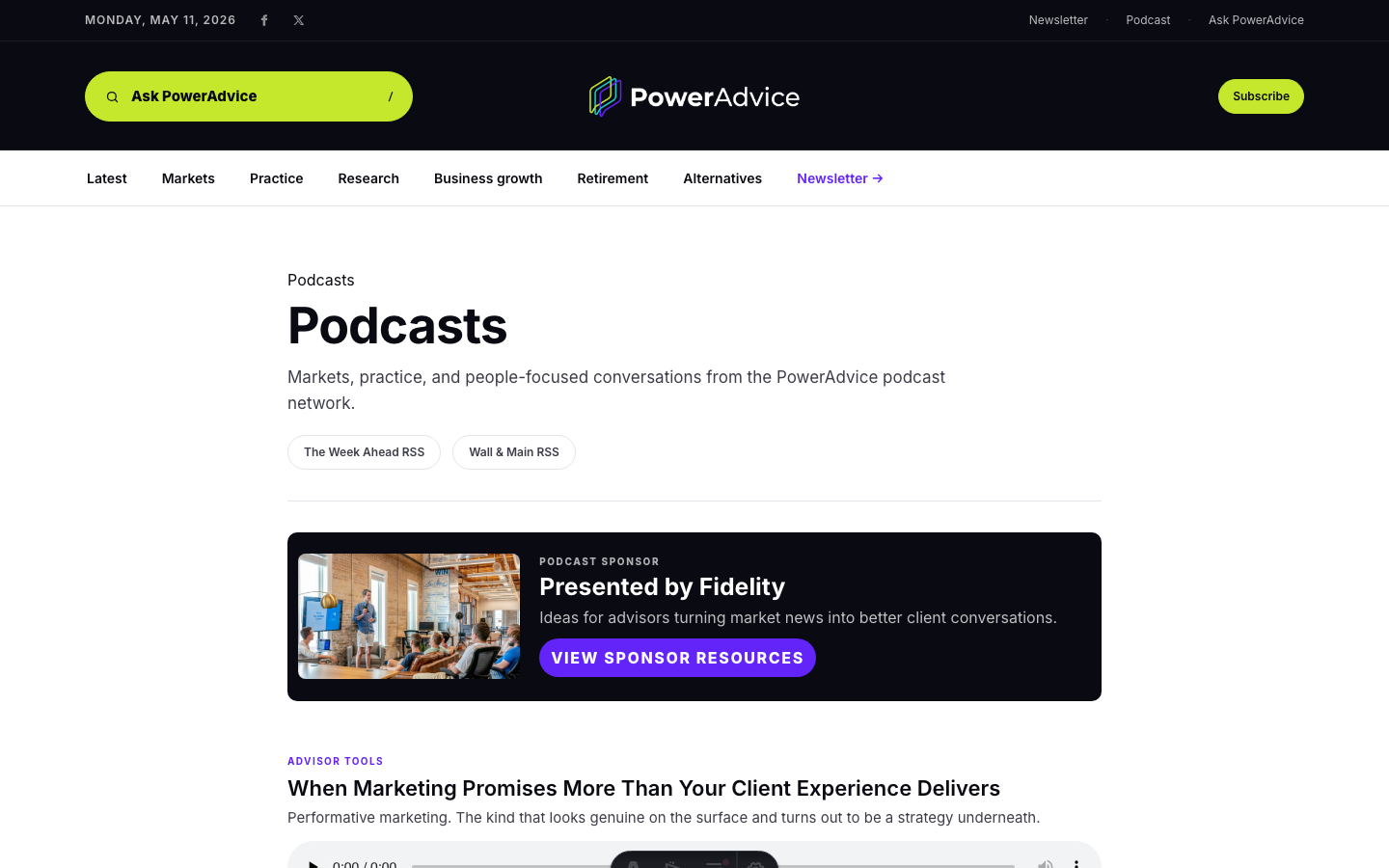
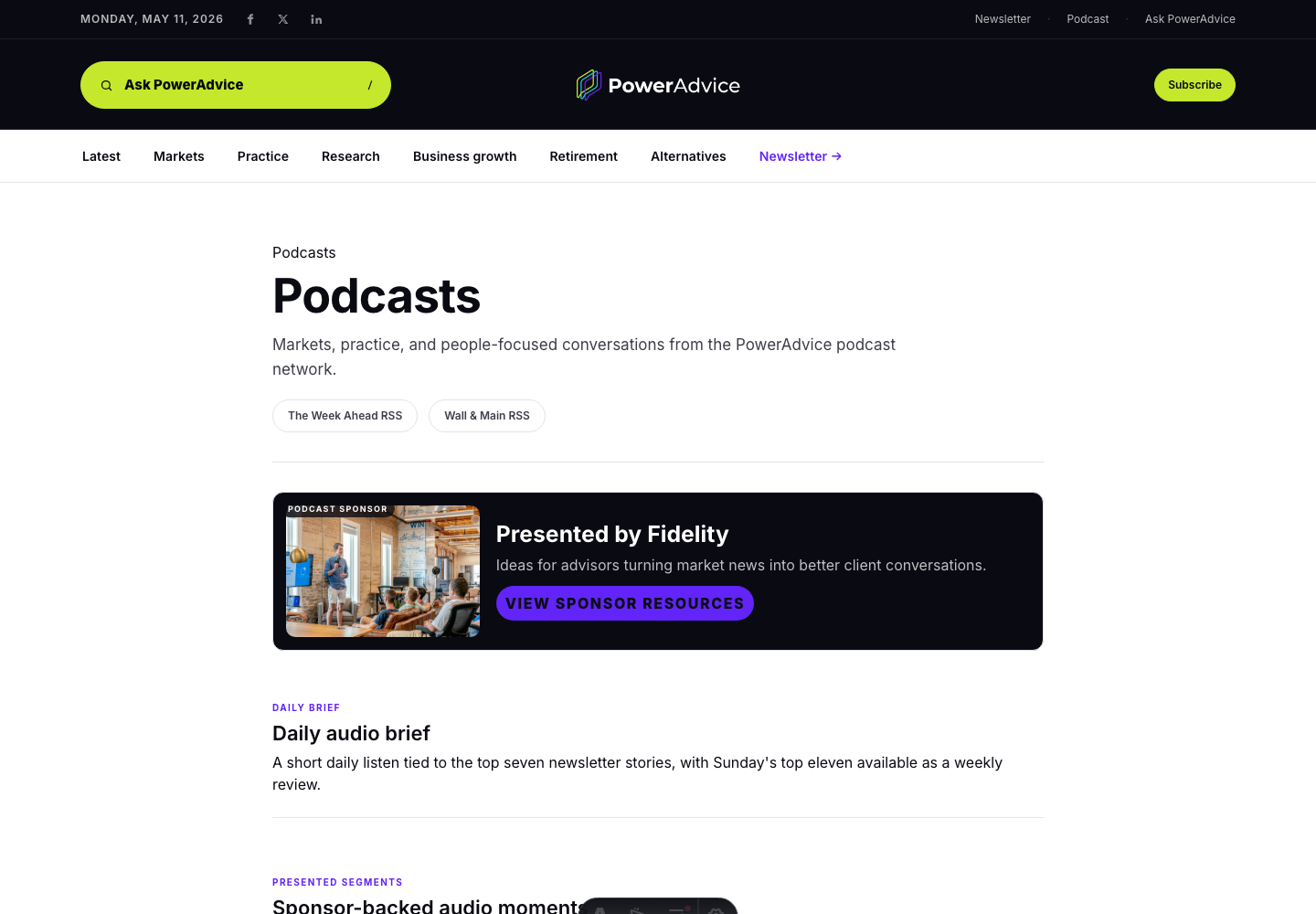
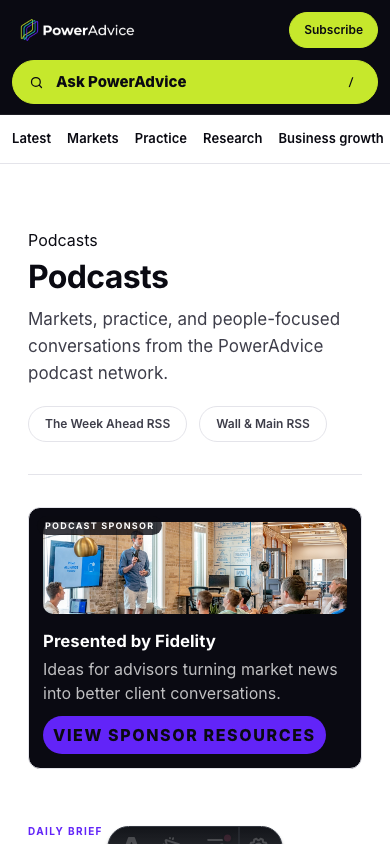
Podcast sponsor inventory appears near the listening experience, with enough visual weight to sell but not enough to interrupt the episode list.
podcast-sponsor / below-podcast-player
Mobile sponsor inventory
Mobile sponsor units stay compact and clearly marked, with the sponsored post visible in context below the lead story stack.
mobile-inline-300x250 / mobile-sticky-leaderboard
Meeting topicDecide which channel pages should carry top sponsor placement and which should stay editorial-only.
Sponsored destinationThe Fidelity Center page does not need a redundant ad on top of its own sponsor story.
Full inventoryThe guide now names every placement key: above-header, channel-top, below-latest, below-podcast-player, mobile-inline-300x250, mobile-sticky-leaderboard, sponsored-article, sponsored-center, and podcast-sponsor.
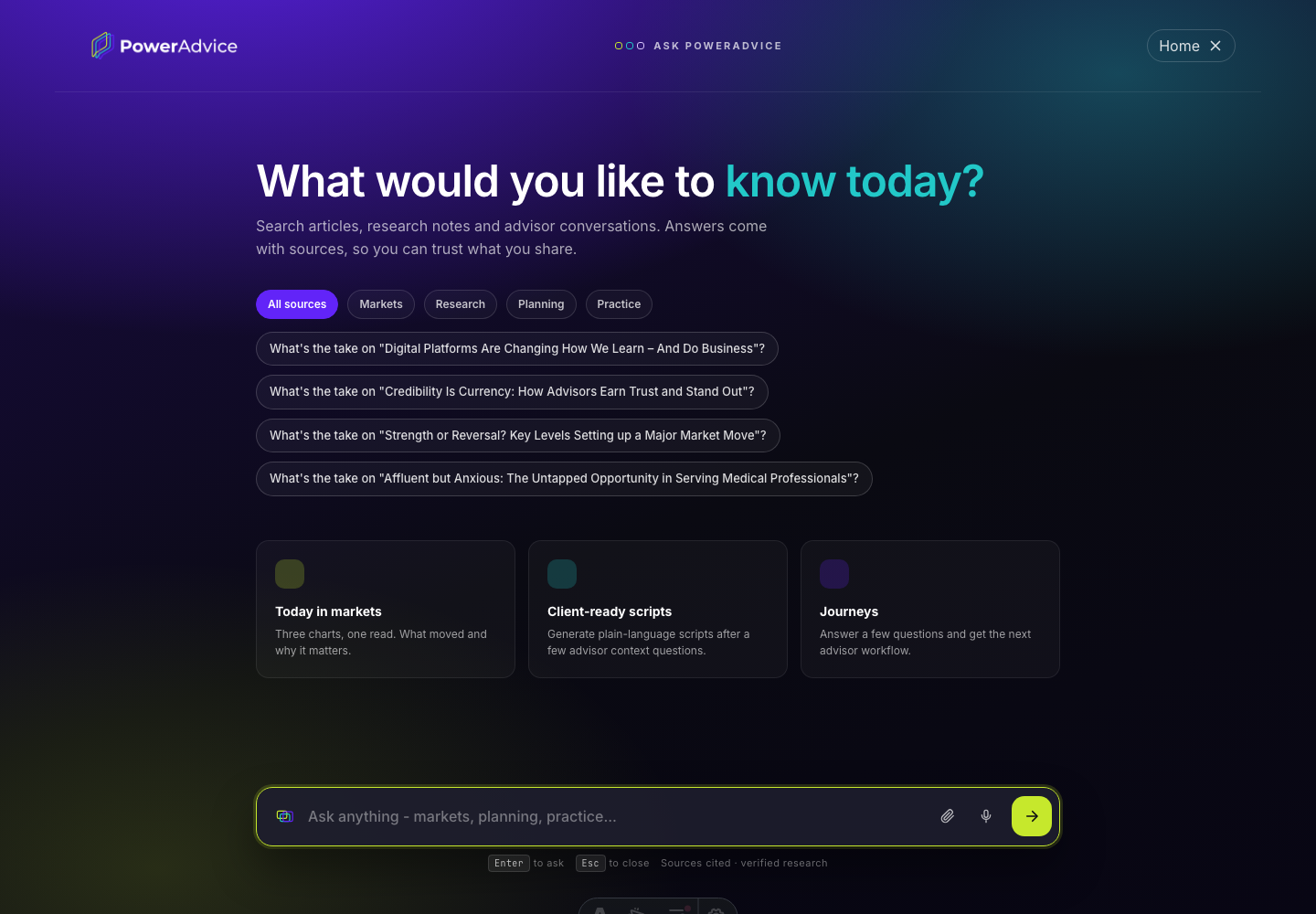
The AI conversation overlay opens from the search control or /ask, gives advisors a live answer mode with source cards, and keeps the user in one conversation for follow-up questions.
Answer modeThe response keeps sources and the advisor-facing answer in the same focused overlay.
Thread UXThe overlay keeps the user in a conversation-first mode.
Guided flowsClient-ready scripts and journeys are clickable multi-step flows.
Podcast content is visible from the public chrome, homepage, and podcast hub, with published episodes, audio controls, captions, and a sponsor placement that fits the page.
Public language now uses Centers while the existing /center route remains stable, so the product matches the desired terminology without breaking current links.